
The Best Laptop for Podcasting in October, 2026 | Ranked & Compared
Introduction
I absolutely love Podcasting. I think it’s one of the most enjoyable forms of online content – and it’s one of the easiest types of content to get started with.
When I first got started with Podcasting about 8 years ago, I had no idea what I was doing. I didn’t know what type of microphone, audio interface, or software I should use. It was all a bit overwhelming. I spent months researching all the different types of gear and eventually upgraded my setup to the point where I’m thrilled with it now.
At the heart of that setup is my laptop. I put this guide together to help you pick a laptop that’s powerful enough to run all the editing software you’ll need for your Podcast – and lots of ports for your mic, audio interface, and mixer (if you use one).

Ready to get Podcasting?
Let’s hop to it, friends!
Most modern laptops use USB-C for charging and audio interface connections. I’d strongly recommend you pick up the Focusrite 2i2 Gen 3 – as this connects through a single cable and allows you to plug two XLR microphones in. It also gives you far greater control over your mic volumes to make sure you’re not too loud or too quiet.
1. MacBook Pro M2

All Round Best Choice For Podcast Production
The Macbook Pro 14”/16” currently comes in 3 variations. The M1, M2 and M3 Chips. The M3 chip is the most powerful. Personally, I’d currently go for the M2 flavor as most Podcasters because you won’t notice that much of a difference between M2 & M3. That being said, if you can find a good price on the M1 variant, it’s still an excellent choice too.
Product Pros
Product Cons
Why We Like It
If you’re going to spend the next few years building your Podcast, it makes sense to own a laptop that will provide you with the power & battery life to work from anywhere. That’s why I highly recommend the M2 Macbook Pro, as it’s the perfect balance of amazing performance and heaps of useful ports. Being able to have multiple devices plugged in all at once, without the need of a UBS-C hub is a big win in my books.
2. Dell XPS 15
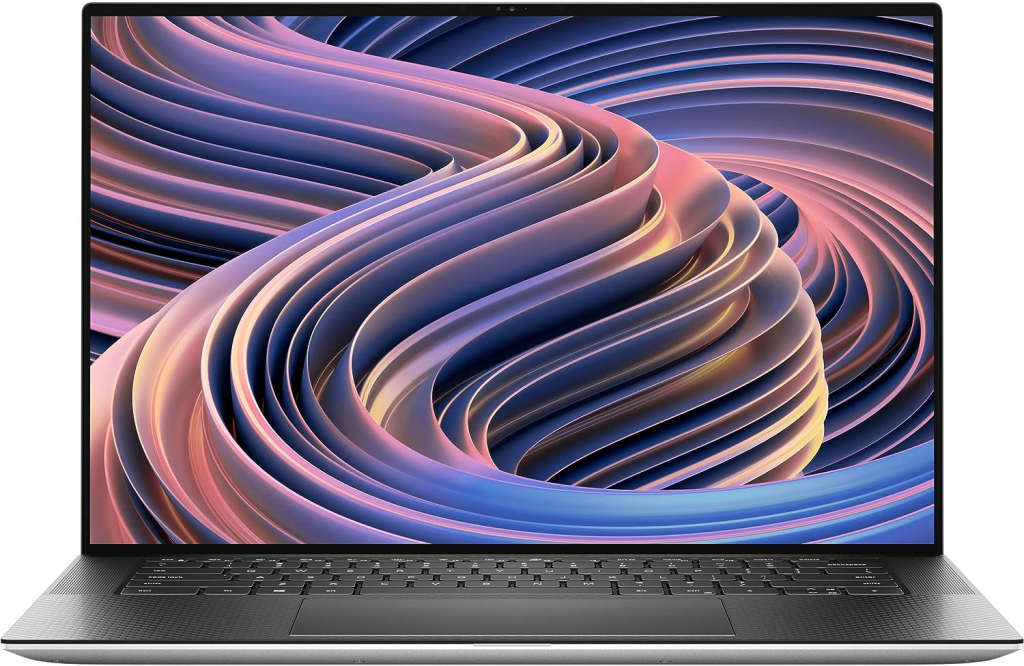
Power, Ports & Performance
I’ve always been a big fan of the XPS lineup. Even in 2024, it makes for a Podcast production laptop due to its powerful performance and high-quality audio capabilities. With its fast processor and ample RAM, it can handle demanding software with ease. Perfect for running heaps of large .wav or .mp3 files all at once.
Product Pros
Product Cons
3. HP Spectre x360
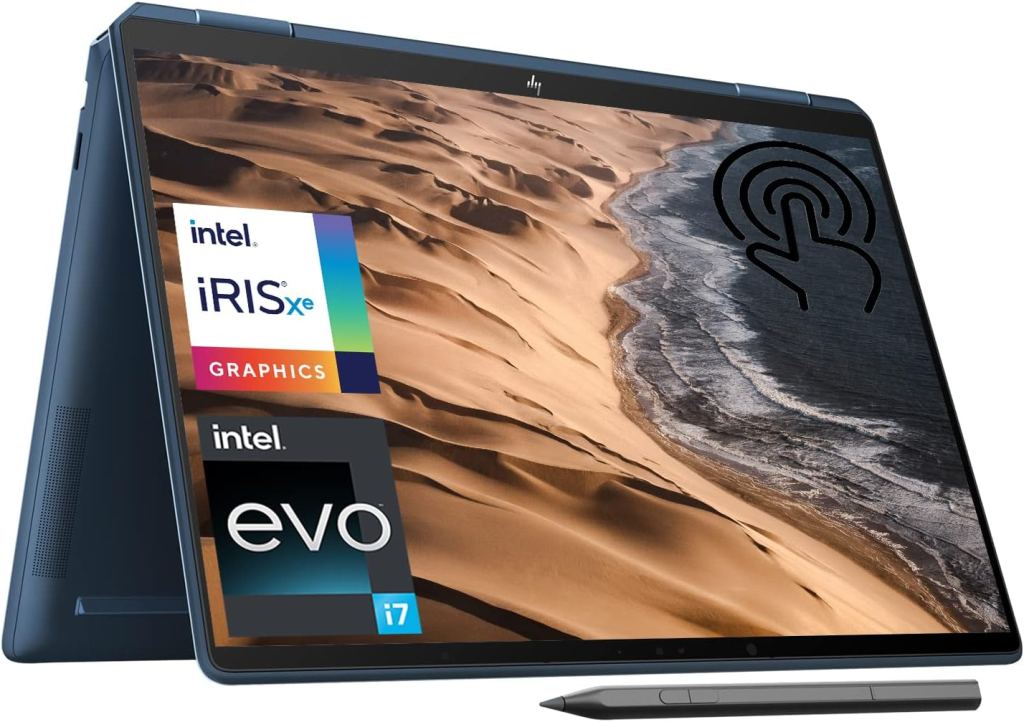
360 Powerhouse
HP certainly know how to make a powerful yet beautiful laptop. The Spectre x360 delivers incredible specs, performance and unparalleled flexibility. An excellent all rounder for anyone who loves working in both laptop and tablet mode.
Product Pros
Product Cons
4. Asus ROG Zephyrus G14
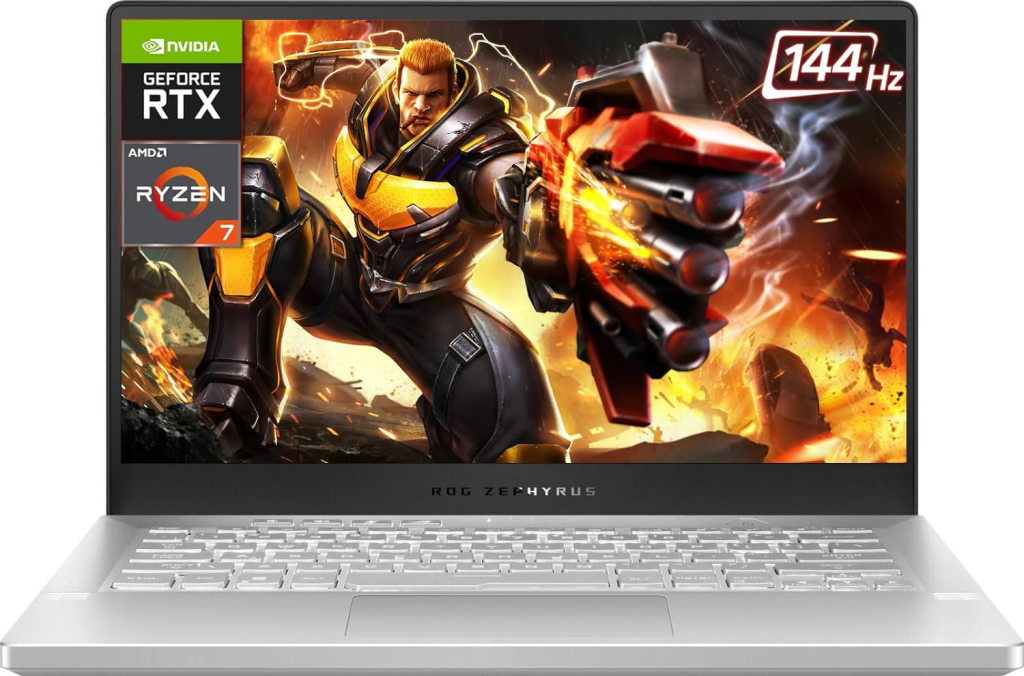
Gaming, then Podcast
The ASUS ROG G14 has been hailed as one of the best gaming laptops every made, but as it turns out, it’s also an excellent option for Podcasters who like to game on the weekends. The G14 looks awesome, has heaps of power and will handle anything you throw at it.
Product Pros
Product Cons
5. Lenovo ThinkPad X1 Carbon
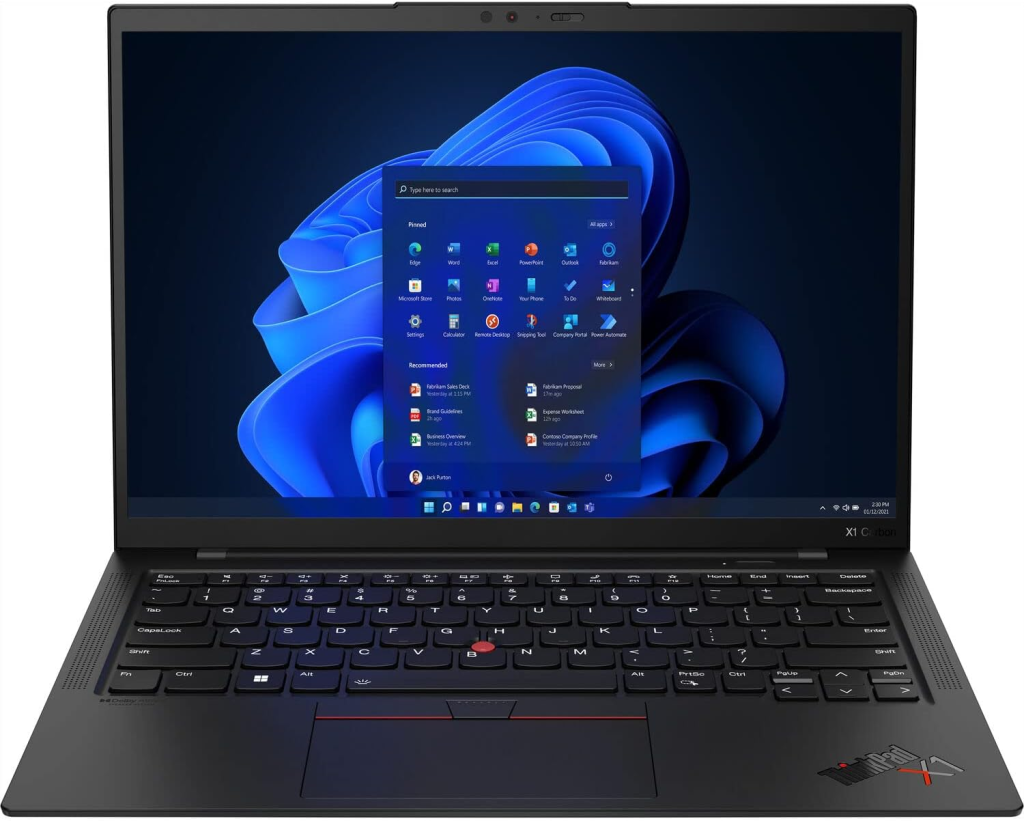
The Business Podcaster
The Lenovo X1 is a great option for podcasters and music production alike because of its solid performance and portability. There are a number of processor options available and plenty of RAM to allow for seamless multitasking, making it ideal for working on multiple high-bitrate tracks without any lag or slowdown. Personally, I think it’s a great option for the business-focused entrepreneur on a mission a change the world with their message!
Product Pros
Product Cons
6. Microsoft Surface Laptop 4

The Microsoft Champ
I absolutely love the new Microsoft Surface line up. Not only are they lightweight and well designed, but they have plenty of power to boot. An excellent option for anyone who wants heaps of versatility, and one of the best keyboards on the market.
Product Pros
Product Cons
7. Acer Predator Helios 300

Acer delivers again
The Aer Predator Helios 300 is a gaming first do it all beast, but also provides all the power you cp for podcasting because of its powerful performance and impressive battery life. With this laptop, you can work from anywhere without worrying about running out of power. Additionally, it offers a variety of useful ports, allowing you to connect multiple devices without the need for a USB-C hub. Ready to get podcasting?
Product Pros
Product Cons
Recommended podcasting software
Once you pick a laptop for your new Podcast, you’ll no doubt be interested in picking a quality piece of editing software. Here’s my top picks – both free and paid.
- Audacity (Free)
- Garage Band (Free)
- Fission (Paid)
- Adobe Audition (Paid)
- Logic Pro (Paid)
Descript AI (Best AI Podcast Editor, see my review here)
Recap of the top laptops for podcasting in 2024
- Macbook Pro M2 (Great battery life, power and lots ports)
- XPS 15 (Incredible display, fantastic keyboard & lots of inputs)
- Lenovo X1 Carbon (Great business laptop for Podcasters)
My Recommended Podcasting Host
Obviously, once you get your laptop, mic, and software sorted you’ll probably going to be looking for a decent Podcast host. My recommendation is Fusebox. It’s way cheaper than the likes for Libsyn and Buzzsprout, and it offers some really nice customization options that the other hosts don’t have it.
Final thoughts and recommendations
Podcasting is a fantastic way to build an audience, and get your message out to the world. It’s also one of the best ways I know to build a business and find new clients in the digital marketing space. If you’re going to invest time and energy in building your Podcast – invest in good quality equipment.
FAQ’s
What features should I consider when choosing a laptop for podcasting?
When selecting a laptop for podcasting, consider these key features: – Processing Power, RAM and Storage.
Are there any specific software requirements for podcasting on these laptops?
Most laptops for podcasting support a range of popular audio editing software such as Audacity, Adobe Audition, GarageBand (for Mac), and Reaper. Ensure your chosen laptop meets the minimum system requirements for the software you plan to use.


